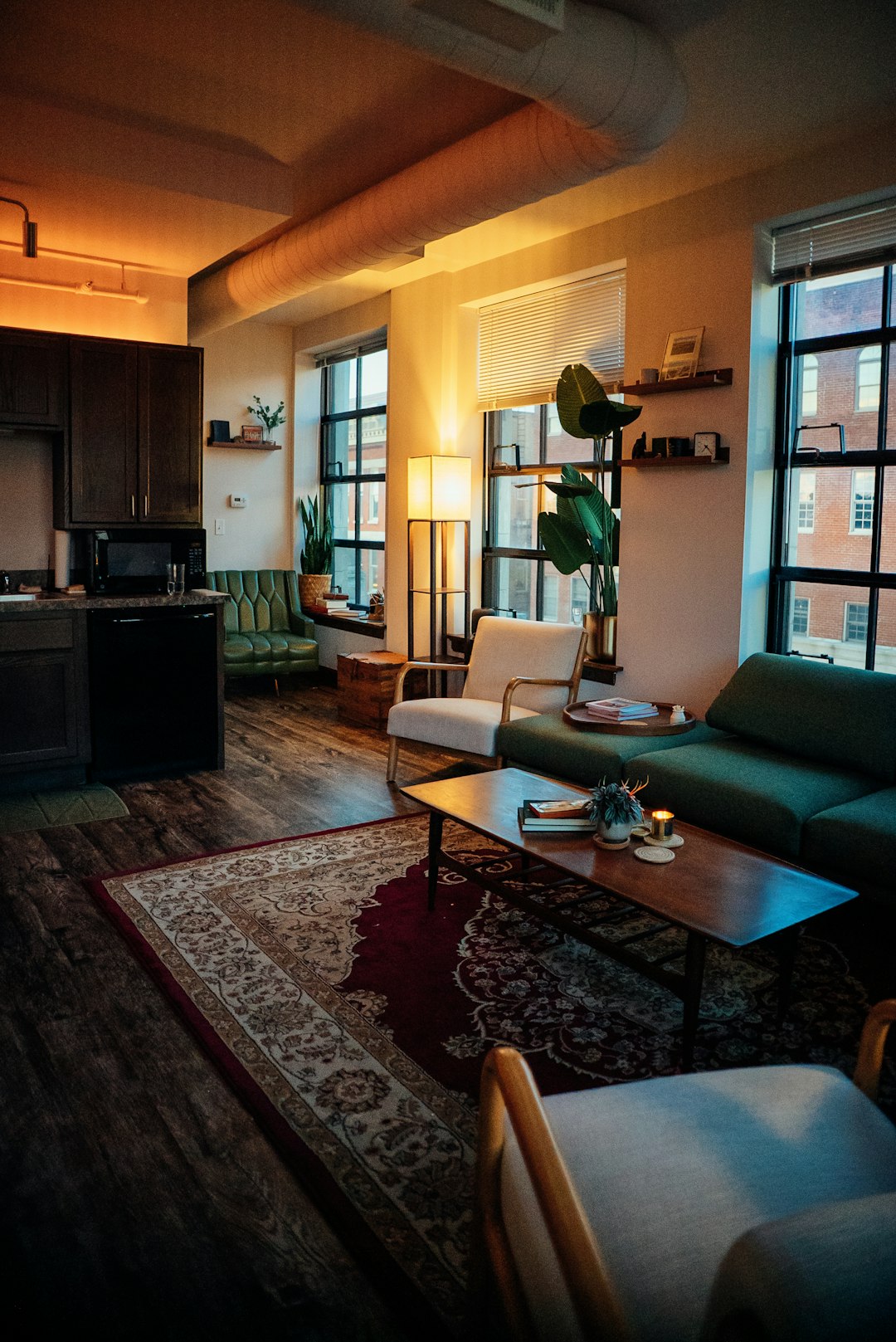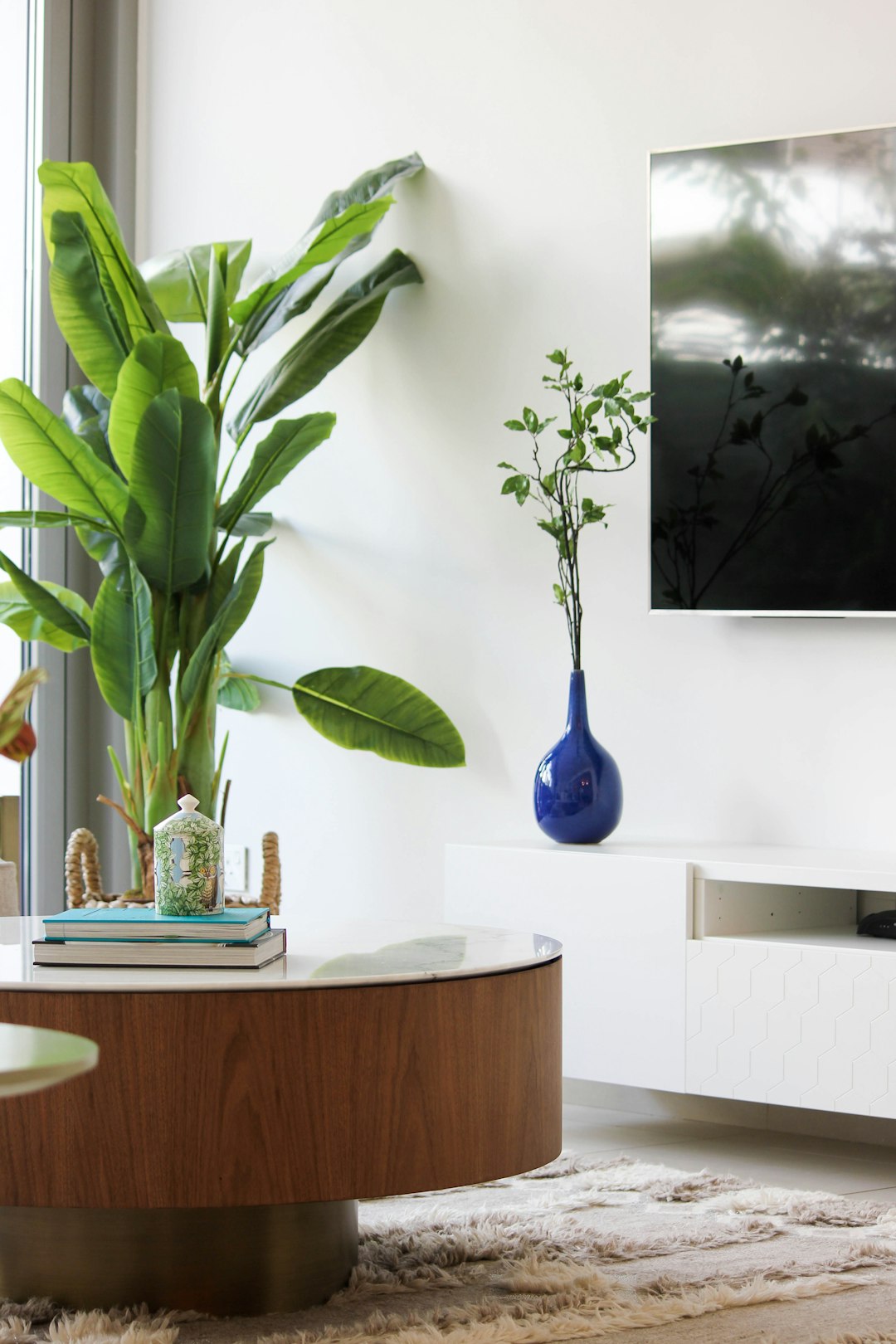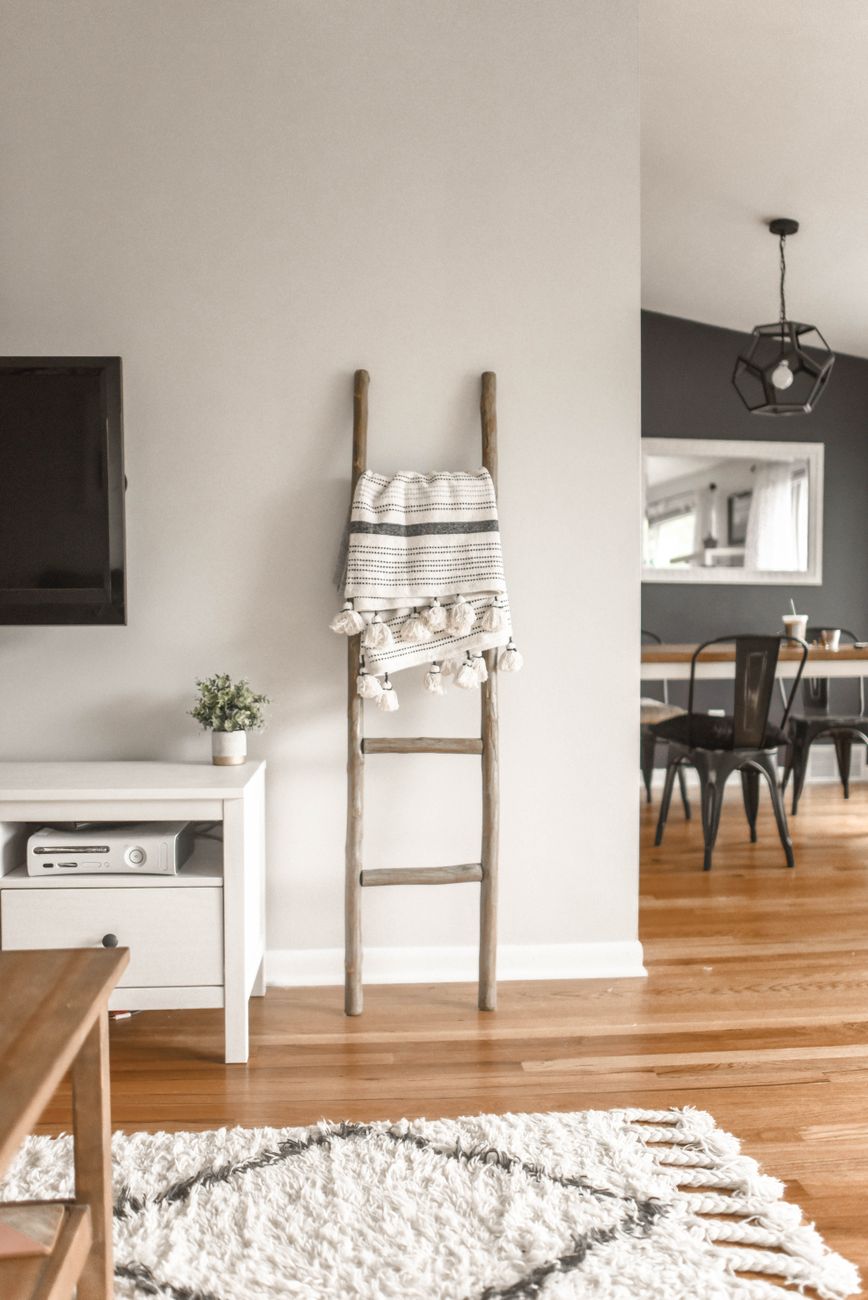
Free room design apps promise a lot, but the fine print matters more than the filter. This guide walks through eight practical checks, from feature comparisons and pricing limits to privacy, real-world room dimensions, and renter-specific needs, so you can pick a tool that actually fits your space and your situation in 2026.
Work Out What ‘Free’ Actually Covers
Almost every room design app free download comes with a catch somewhere: watermarked exports, a capped number of renders, or a single style catalogue you can’t leave. Before uploading photos, check exactly what the free tier includes. Some apps give you unlimited style swaps but only one or two full-resolution downloads per month. Others let you generate as many images as you like, but every single one carries a visible watermark unless you upgrade. A few genuinely useful tools offer a handful of free credits with no watermark at all, which is worth hunting for if you only need to visualise one or two rooms in 2026. Read the app’s pricing page slowly, not just the marketing headline. Look for the words ‘trial’, ‘credits’, ‘watermark-free’, and ‘commercial use’, these four phrases usually reveal the real boundaries of what you’re getting for nothing. If a listing doesn’t mention any of them, assume the free version is a taster designed to get you to the checkout, not a complete solution for planning a full room.
Compare Feature Sets, Not Just Price Tags
Two apps can both say ‘free’ and still deliver wildly different experiences. Some free room design apps focus purely on aesthetic restyling: swap your sofa colour, change the wall paint, add new artwork. Others go further and let you rearrange furniture within the existing floor plan, add or remove items, or even test different flooring materials against your actual photo. A smaller number include structural tools, moving walls, resizing windows, adding doors, which matter enormously if you’re planning a renovation rather than just a refresh. Before comparing prices, list what you actually need. If you’re a renter simply trying to see how a new rug or paint colour would look, a basic AI restyling tool is plenty. If you’re planning a kitchen extension or a full layout change, you’ll likely need paid software with proper CAD-style measurement tools, because free restyling apps rarely handle structural changes with any precision. Matching the feature set to your actual project avoids the frustration of hitting a wall halfway through and discovering the free tool simply can’t do what you need.
Check The Pricing Limits Before You Commit Photos
Before you upload a single photo, understand exactly where the free tier ends. Many apps count ‘generations’ rather than photos, meaning one uploaded image can burn through several credits if you try a few different styles. Others reset your free credits monthly, which sounds generous until you realise a single room redesign with multiple furniture and colour options can use them all in one afternoon. Check whether unused credits roll over, whether the app requires a card on file even for the free tier, and what happens to your saved designs if you don’t upgrade, some platforms delete your projects after a set number of days. It’s also worth checking if a ‘free’ plan restricts you to lower resolution outputs, since a blurry render is hard to actually use when comparing furniture or paint colours against your real room. Reading this section of the terms before committing your photos saves you from being locked into a paid plan mid-project just to retrieve work you’ve already done.
Avoid The Common Dimension And Measurement Mistakes
The biggest gap between a slick app render and a livable room is measurement. It’s easy to drag a virtual sofa into a space that looks fine on screen but leaves no walking room in real life. A comfortable corridor width in home layouts is around 120cm, with 150cm considered ideal for circulation, and even a minimum two-person kitchen corridor should be at least 120cm wide. If your app doesn’t let you input real measurements or check clearances, you risk designing a room that photographs well but functions poorly. Sofa placement is another common trap: sofa-to-sofa spacing for comfortable conversation distance is typically 180-240cm, which many default app layouts ignore in favour of a visually pleasing but impractical arrangement. Before finalising any layout from a free app, grab a tape measure and check the app’s suggested furniture placement against your actual floor space, doorways and walkways. A five-minute physical check can catch mistakes that no amount of pretty rendering will reveal.
Match Results Against Real Room Size Standards
Room size standards vary more than most people expect, and free apps rarely explain which standard they’re using, if any. One room-size guide lists a minimum bedroom size of 7m² with a minimum width of 2.0m, while a separate architectural resource lists minimum bedroom size as 3m x 3m, a notably different benchmark. Living rooms show similar variation: a standard-room-dimensions guide describes a minimum living-room area of 130 sq ft (12 sq m) at 10’ x 13’, whereas another design resource categorises small living rooms as 20-25m², medium as 30-40m², and large as 40m²+. None of these figures are wrong exactly, they simply reflect different building codes, cultural norms, or design philosophies. The practical takeaway is that you shouldn’t treat any single number from an app as gospel. Instead, use these ranges as a sanity check: if your free app’s suggested layout implies a living room far below 10m², you’re likely looking at a cramped, unrealistic plan rather than a genuinely workable one.
Look For Renter-Friendly Features
If you rent rather than own, the best free room design apps are the ones that respect that constraint. Look for tools that change furniture, colours, rugs and wall art without altering the room’s actual structure, no repainting brick, no moved windows, no knocked-through walls, since you can’t act on any of that anyway. The most useful renter-focused apps let you visualise removable solutions: peel-and-stick wallpaper, tension curtain rods, freestanding shelving, and furniture arrangements that work within a fixed floor plan. Some apps even let you toggle between ‘landlord-safe’ and ‘full renovation’ modes, which is a genuinely helpful filter if you’re switching between a rental project and, say, helping a homeowning friend or family member plan something more permanent. Before downloading anything, check reviews specifically from renters, since a tool built primarily for homeowners planning renovations may bury or ignore the constraints that matter most to someone who can’t change a single fixture.
Scrutinise Privacy And Photo Handling
Uploading photos of your actual living space is not a trivial thing to hand over to an app, yet privacy is the check most people skip. Before you upload anything, look for clear answers to three questions: how long are my photos stored, are they used to train the company’s AI models, and can I request deletion afterward? Vague or missing answers in the privacy policy are a red flag, especially for apps that are free precisely because your data is the product. Reputable tools will state plainly whether uploaded images are kept only for the duration of your session, stored indefinitely on their servers, or shared with third parties for model training. If an app’s terms are unclear on this point, consider whether you’re comfortable with your home’s interior, and anything visible in the background of your photos, being used in ways you can’t fully control. This matters more in 2026 than it used to, as more platforms lean on user uploads to improve their underlying AI systems.
Know Your Alternatives Before You Settle
If none of the free options fit, it’s worth knowing what else is out there before settling for a tool that half-solves your problem. Paid AI room design platforms often remove the watermarks, credit caps and resolution limits that make free tiers frustrating, and many offer a genuinely low-cost entry point rather than a full subscription. Traditional interior designers remain an option for complex or structural projects, though at a much higher cost and slower turnaround than any app. Some people find a hybrid approach works best: use a free app to rough out ideas and colour schemes, then bring a clearer vision to a paid tool or professional for the final, precise plan. Whatever you choose, treat the free tier as a genuine test drive rather than the finish line, it should tell you whether the underlying tool understands your space, your style and your constraints before you invest any real money or time into a full room plan.
Frequently Asked Questions
Is there a truly free room design app?
Yes, several apps offer free tiers, but most limit the number of renders, watermark images, or restrict style options. Always check the fine print on credits and export quality before relying on the free tier for a real project.
Can a free room design app show accurate room sizes?
Not always. Many free tools focus on style rather than precise measurements, so always cross-check clearances like corridor widths (minimum 90cm) and sofa spacing (180-240cm) against your actual room.
Are free room design apps safe for uploading home photos?
It depends on the app’s privacy policy. Look for clear terms on how long photos are stored, whether they’re used to train AI models, and whether you can delete them after use.
Do free room design apps work for renters?
The best ones do, because they change furniture, colours and finishes without altering the room’s actual walls, windows or fixtures, exactly what renters need since they can’t make structural changes.
What’s the difference between a free room design app and virtual staging?
Room design apps typically help you plan or restyle a room you already own or live in, while virtual staging is usually aimed at making a listing more appealing to buyers. Some tools, like House Design AI, blend both use cases.
Written by the House Design AI team
Every guide is written by the people building House Design AI and checked against what the app actually does before it is published. When the app changes, the guide is updated and the date above moves.
See every feature