Features
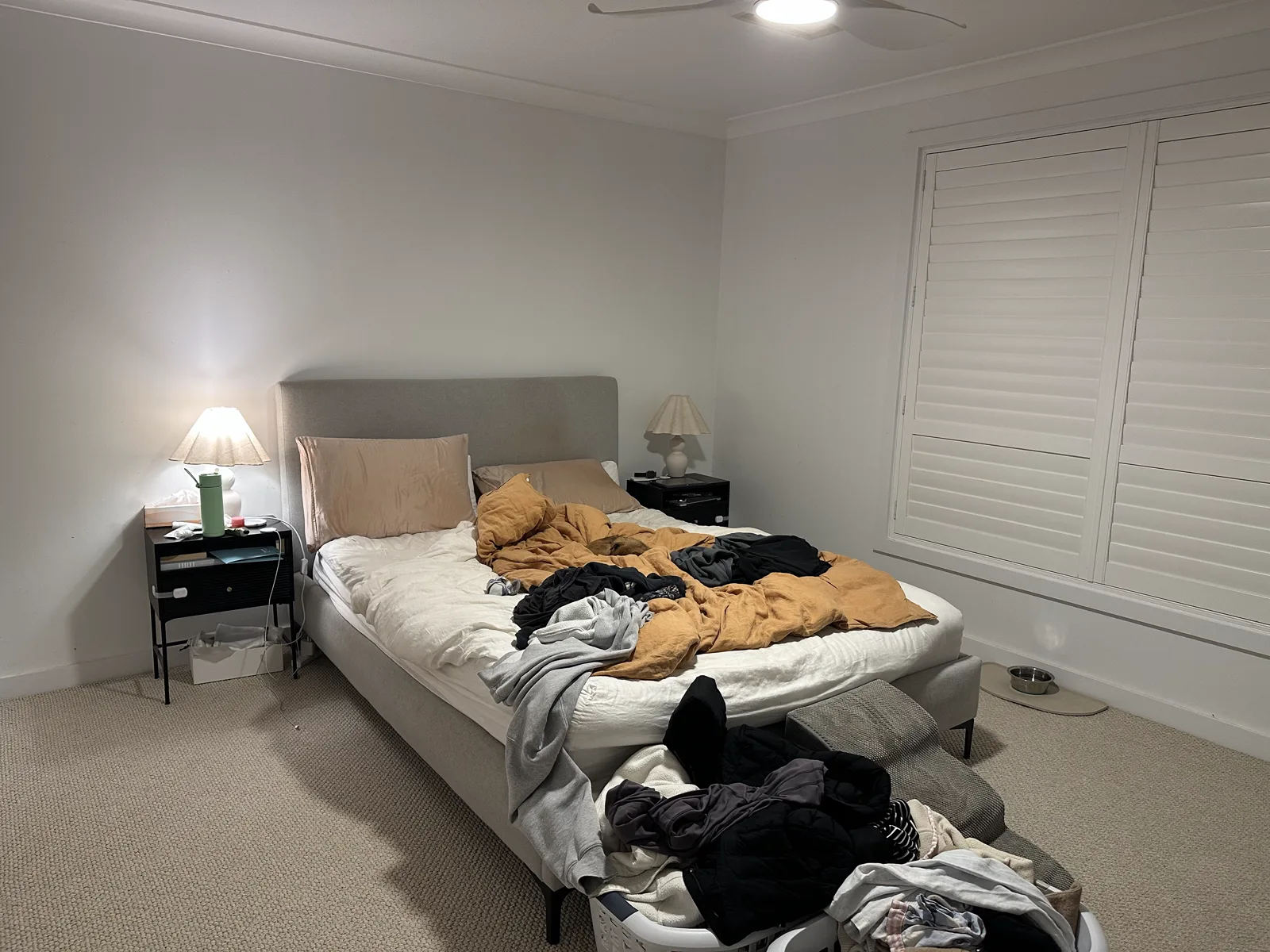
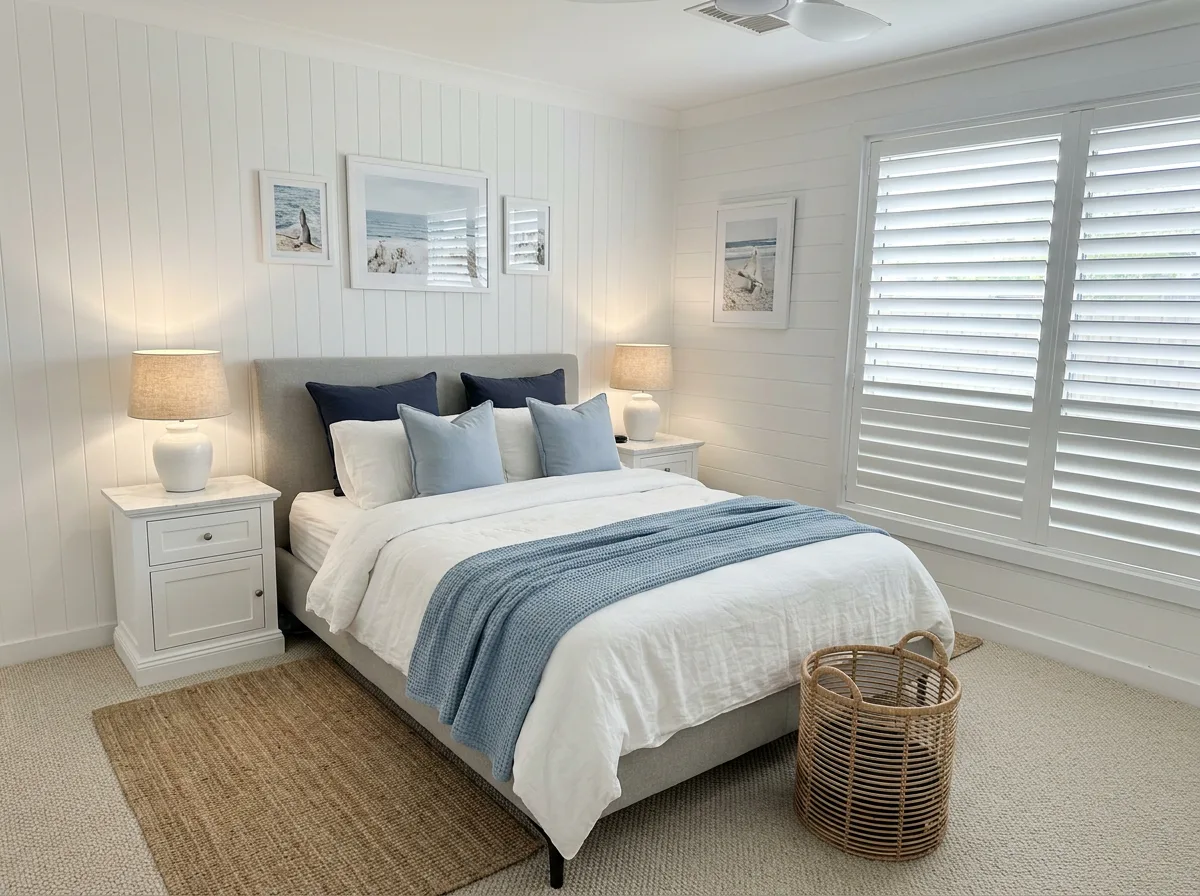
AI room redesign that keeps your walls
House Design AI redesigns a photo of any room in a style you choose, keeping the walls, windows and proportions exactly as they are. Bring in a listing or your own photos, pick a style, nudge with a few words, and every version is kept.
Every redesign shown here is virtually edited with House Design AI.
01 · Bring in a space
Upload the photos. Get every room.
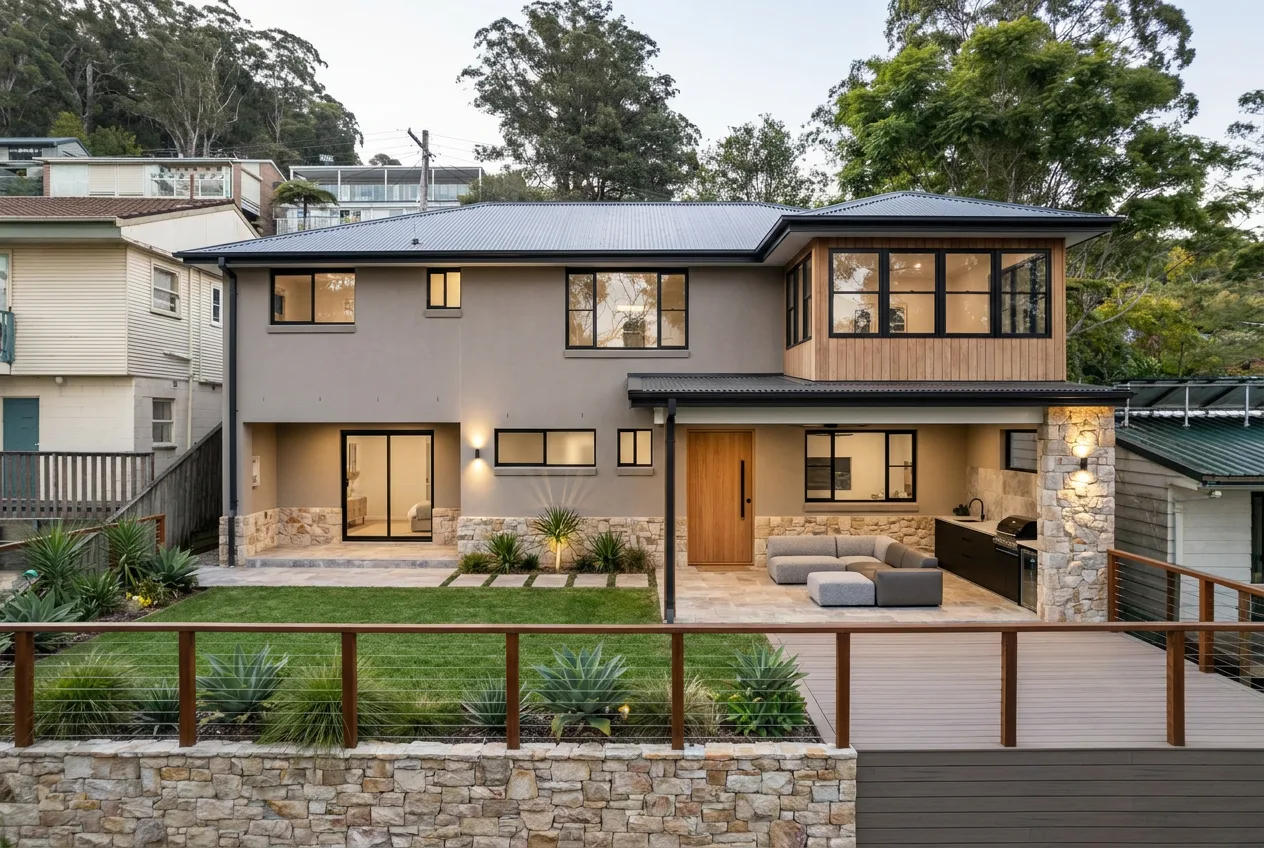
Start with your own photos or the ones from a listing. Upload up to 20 at a time, and House Design AI sorts them into rooms after the first redesign. Sharing a listing straight from the property app on iPhone, iPad and Android is coming soon.
- Up to 20 photos per upload, 50 per space
- Rooms named for you: kitchen, living, bedroom
- Works for a home you own, rent, or are only looking at
02 · Styles
A catalogue you can make your own
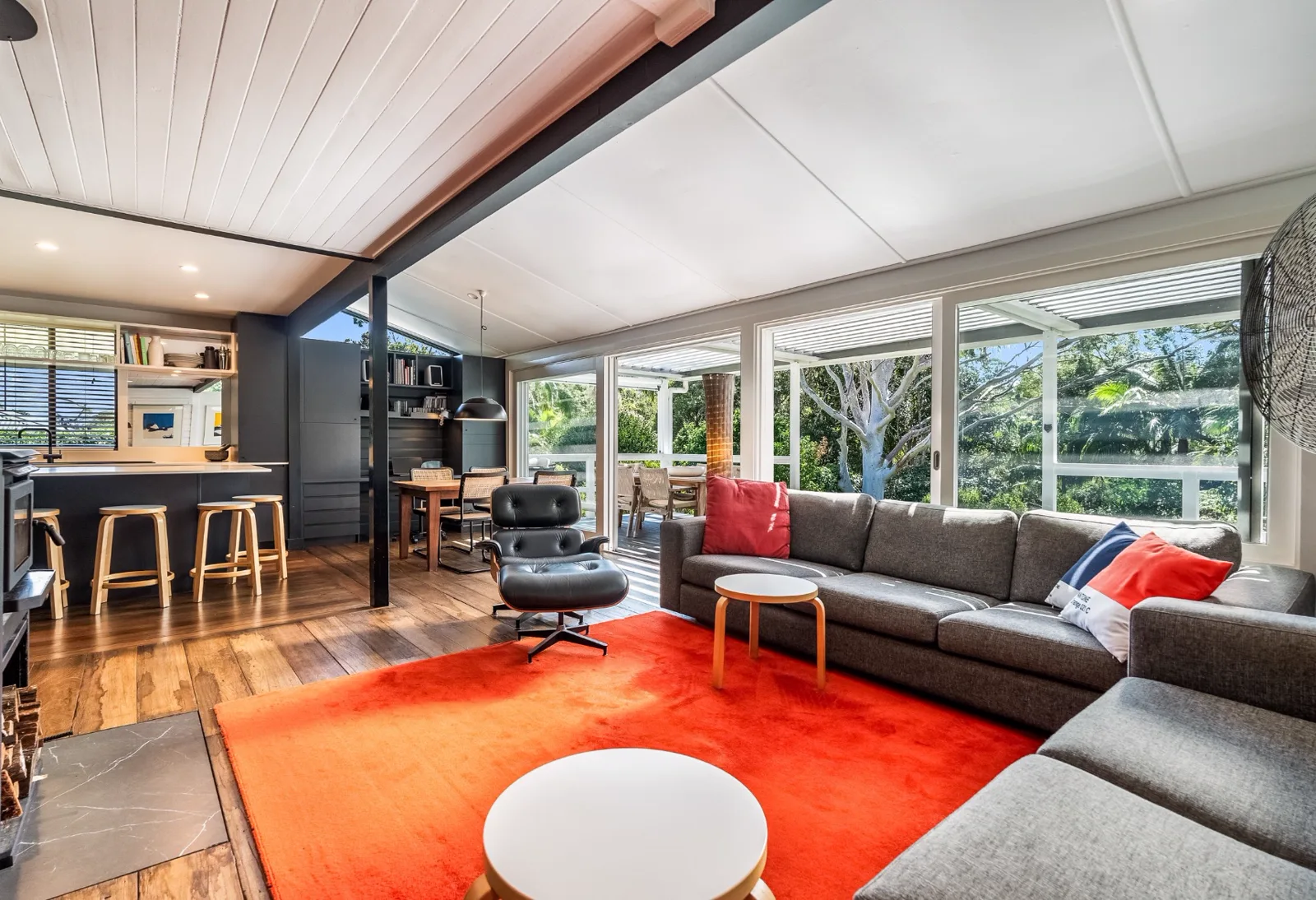
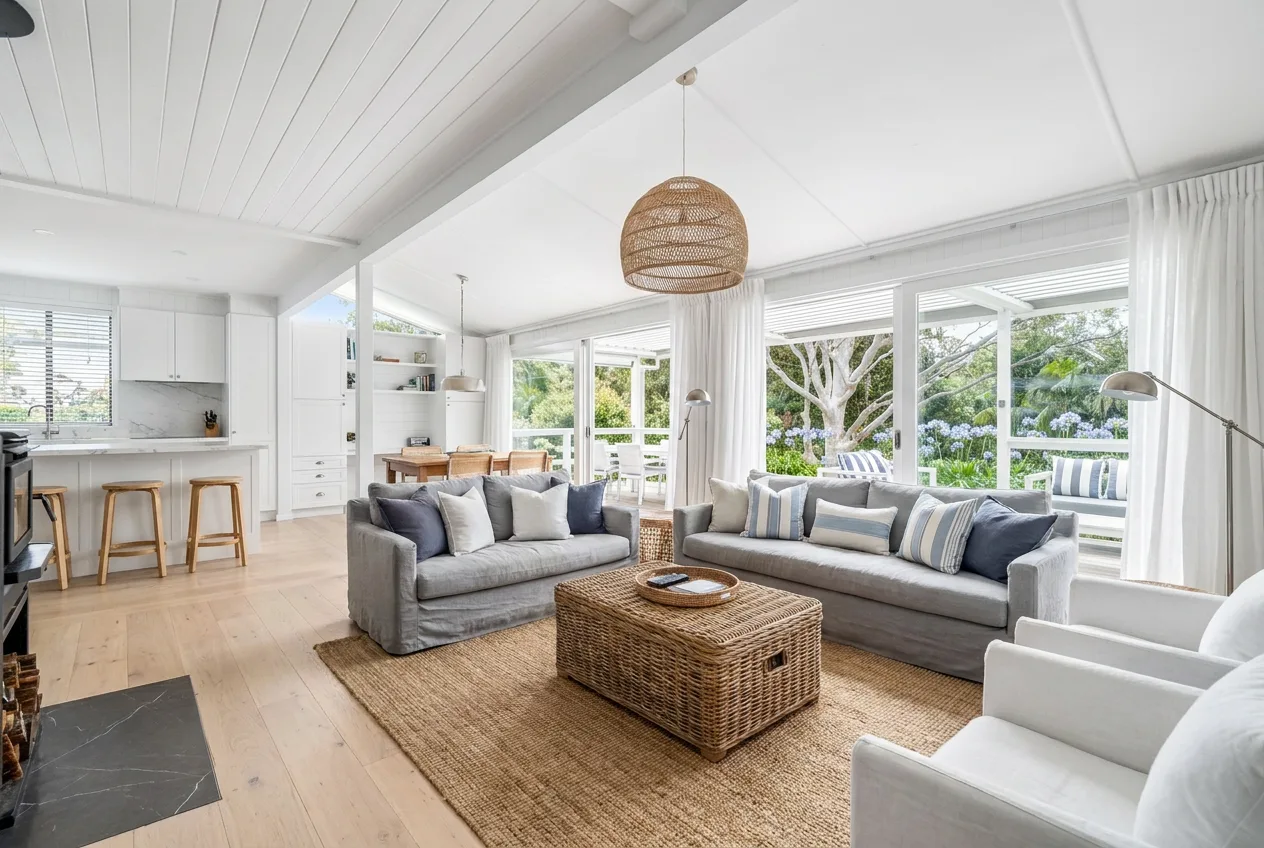
Six presets to start: Hamptons, Coastal, Japandi, Scandi, Mid-century and Contemporary. Each one is a palette, a flooring and a set of key materials. Change any of them, give it a name, and it is yours to reuse on every space.
- Edit the palette, flooring and materials
- Save as many of your own styles as you like
- Same styles on the web and in the app
03 · Nudge
“Warmer floors, keep the rug.”
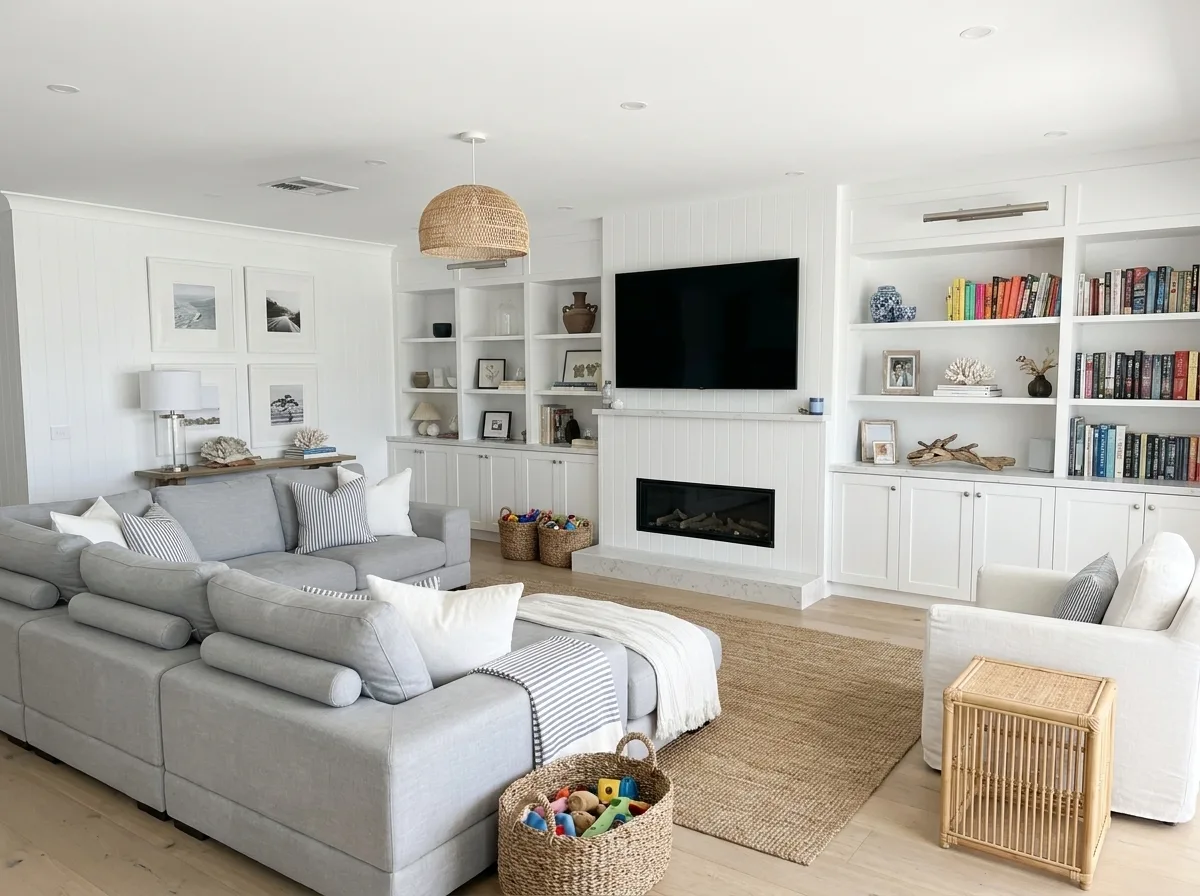
Type a few words with any redesign and the next version moves in that direction while everything else holds. No prompt-writing, and nothing is overwritten.
- Plain-language tweaks on any redesign
- Each nudge becomes its own version
- The result arrives in about a minute
04 · Version history
Every version, kept
Every redesign of a photo stays in its history. Choose the one you like as the featured version, compare any of them against the original, or redesign again from any point.
- Before and after slider on every version
- Choose a featured version per photo
- Delete the ones you do not want
05 · Targeted edits
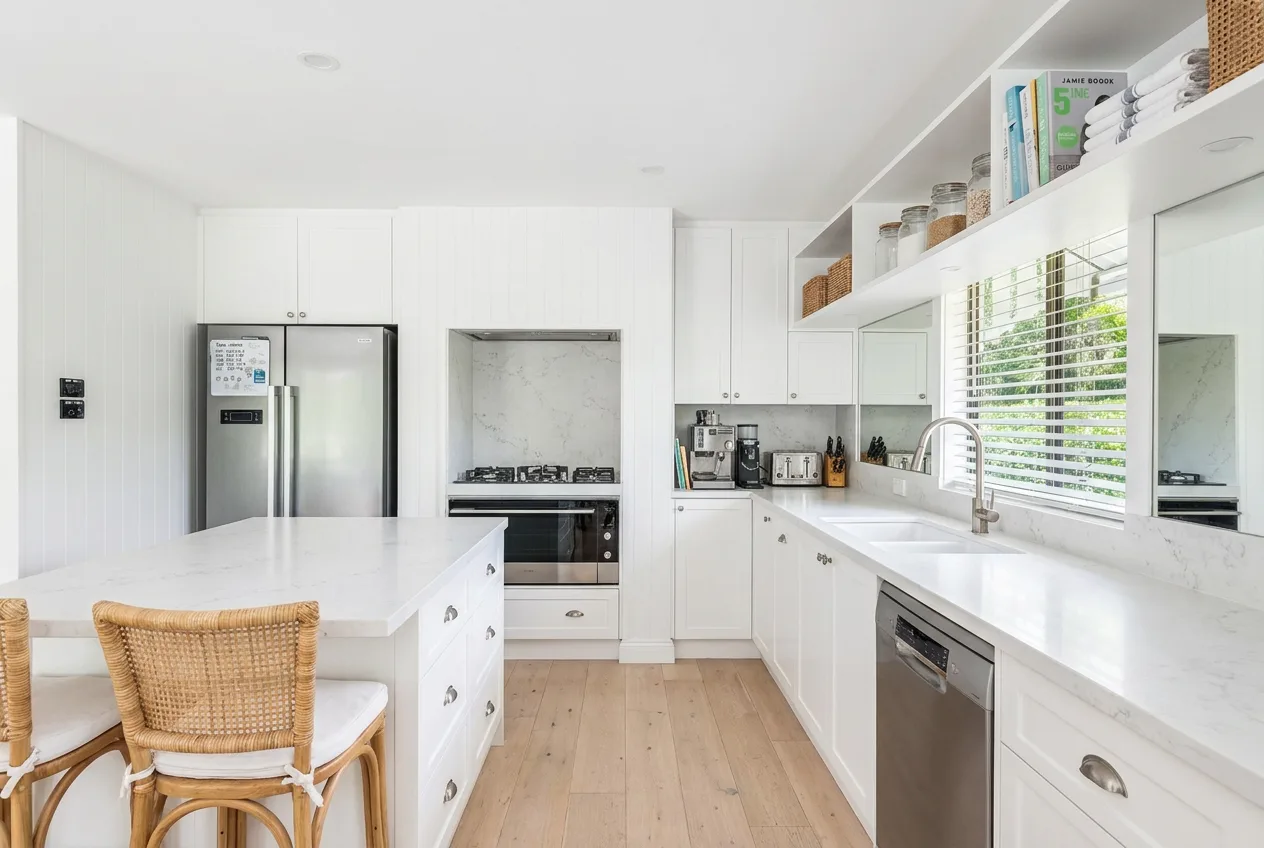
Change the floor. Only the floor.
Pick what to change and House Design AI finds it in the photo. Swap the flooring, repaint a wall, take an object out, empty the room, or tidy the garden, while the rest of the room stays as it was.
- Change flooring, change wall colour, remove an object, empty the room, landscaping, touch-up
- 5 credits each, half the cost of a full restyle
- Works on any photo or any earlier version
06 · Redesign again
Try again, from anywhere
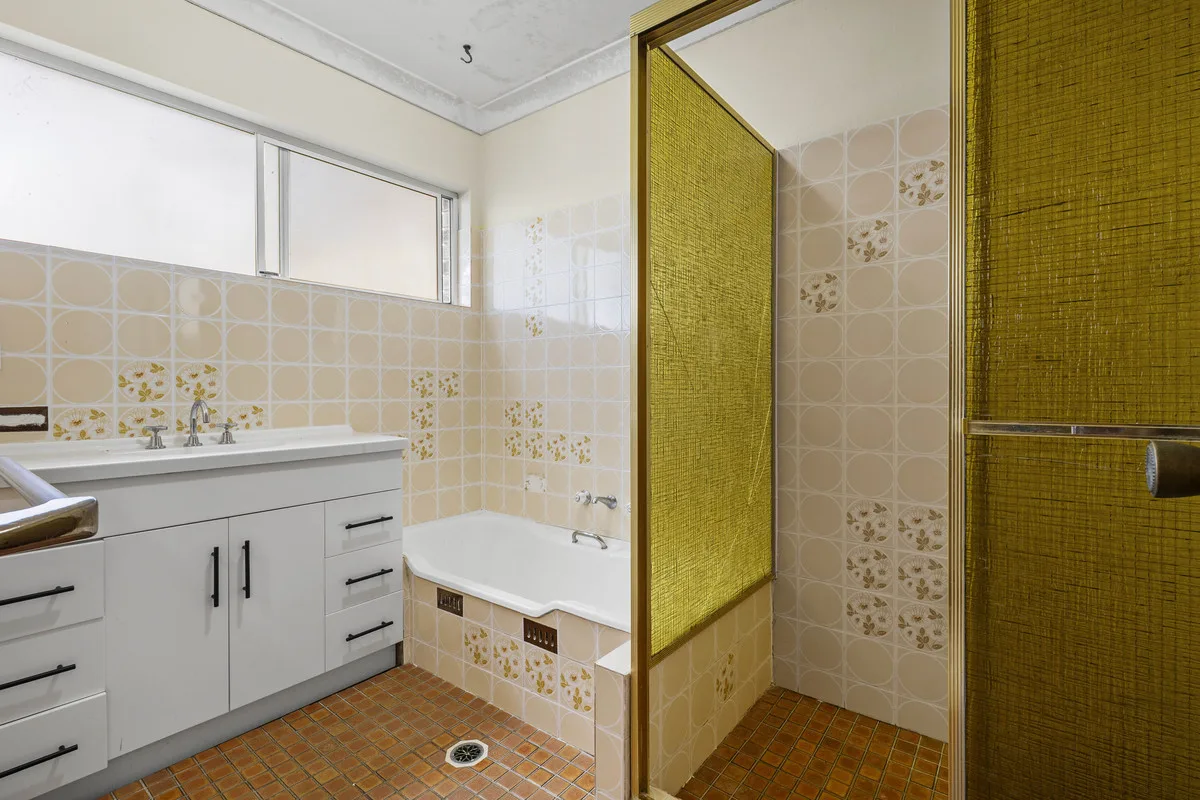
Did not land? Run it again from the original photo or from any version you liked, in the same style or a different one. Every attempt is a full redesign and every one is kept.
- Restart from the original or from any version
- Switch styles between attempts
- Cost shown before you confirm
07 · Reference images
Show it what you mean
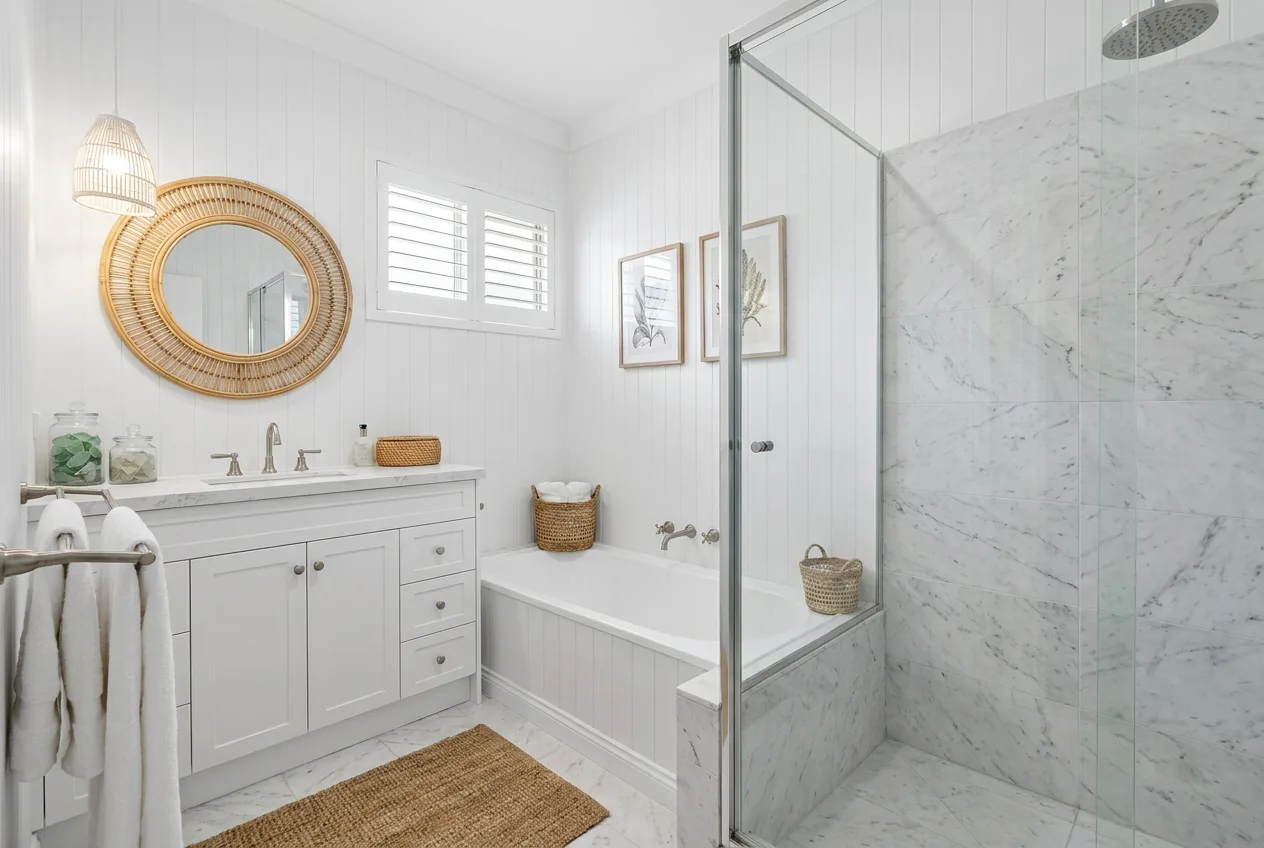
Add one to three inspiration images alongside a style. The redesign borrows the mood and materials, not the room. References live in your library so you can use them again.
- Up to 3 references per redesign
- Works with any preset or saved style
- Your reference library syncs across devices
08 · Saved
One place for the keepers
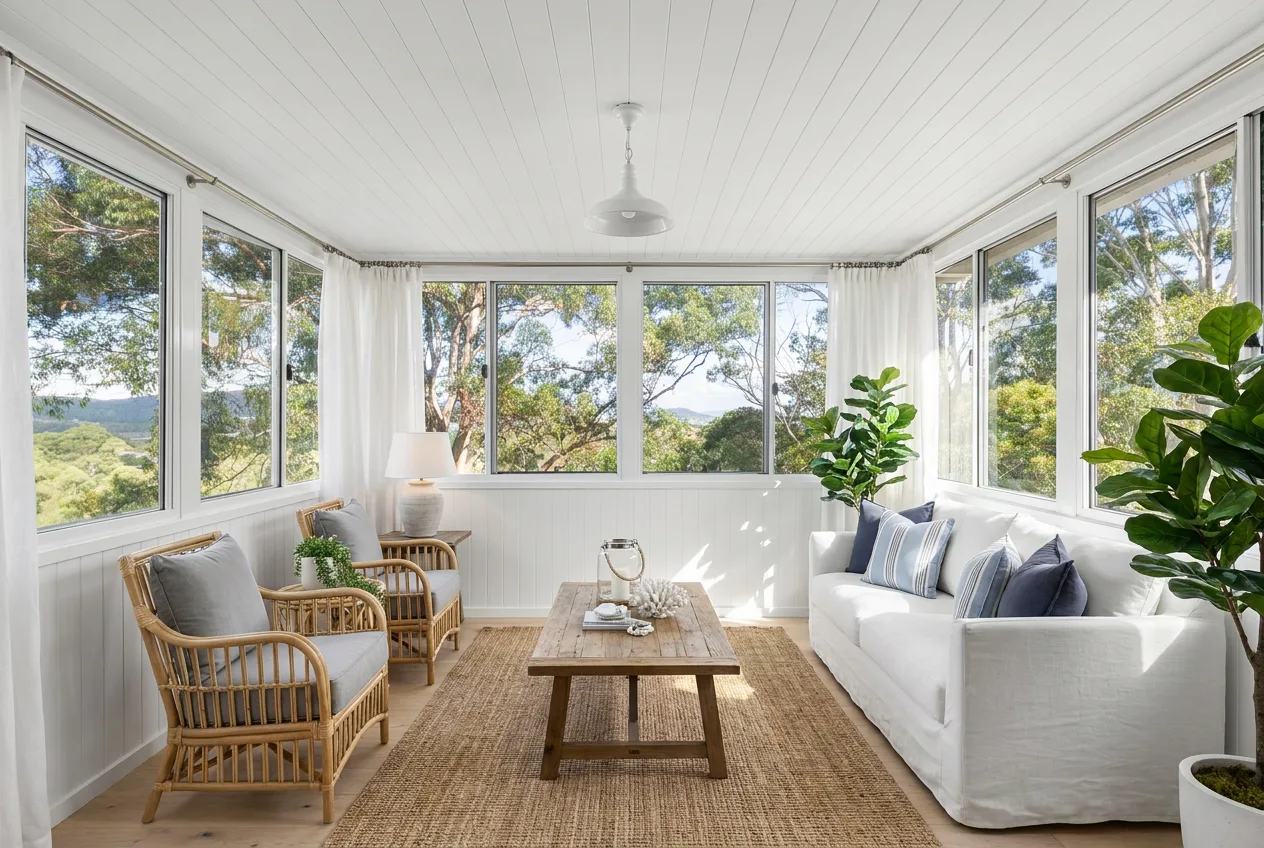
Save any version and it goes to your Saved tab, alongside every other room and space you have kept. Download any version with the original photo next to it.
- Save a version with one tap
- Download at full resolution
- The original is always kept
09 · Credits
Pay per redesign. No subscription.
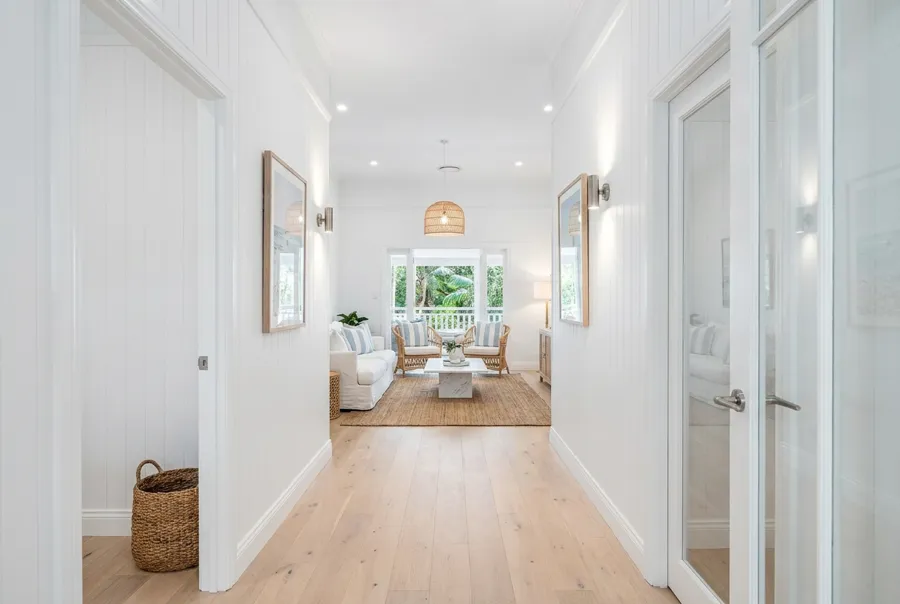
Buy a pack in the app and spend credits as you go. The cost is always shown before anything runs, and a technical failure refunds itself.
- 10 credits per restyle, 5 per targeted edit
- Credits never expire and the balance is shared between the app and the web
Questions
Good to know
Does it change my walls or windows?
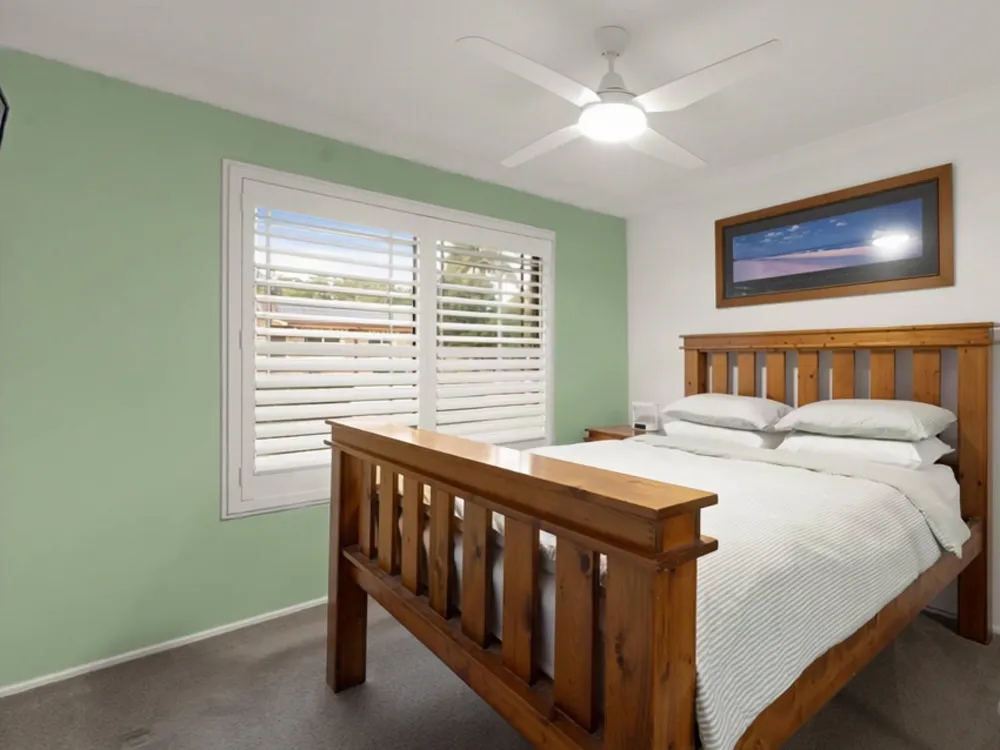
No. Redesigns keep the geometry of the room. Furniture, finishes and styling change.
How many credits does a redesign cost?
10 credits for a full restyle, Redesign or Refresh. 5 credits for a targeted edit such as changing the floor or a wall colour.
Can I use it for a house I do not own?
Yes. Buyers and renters use it to see a place as theirs. Every image is marked as virtually edited.
One photo. Every style.
Pay as you go with credit packs. No subscription, ever.