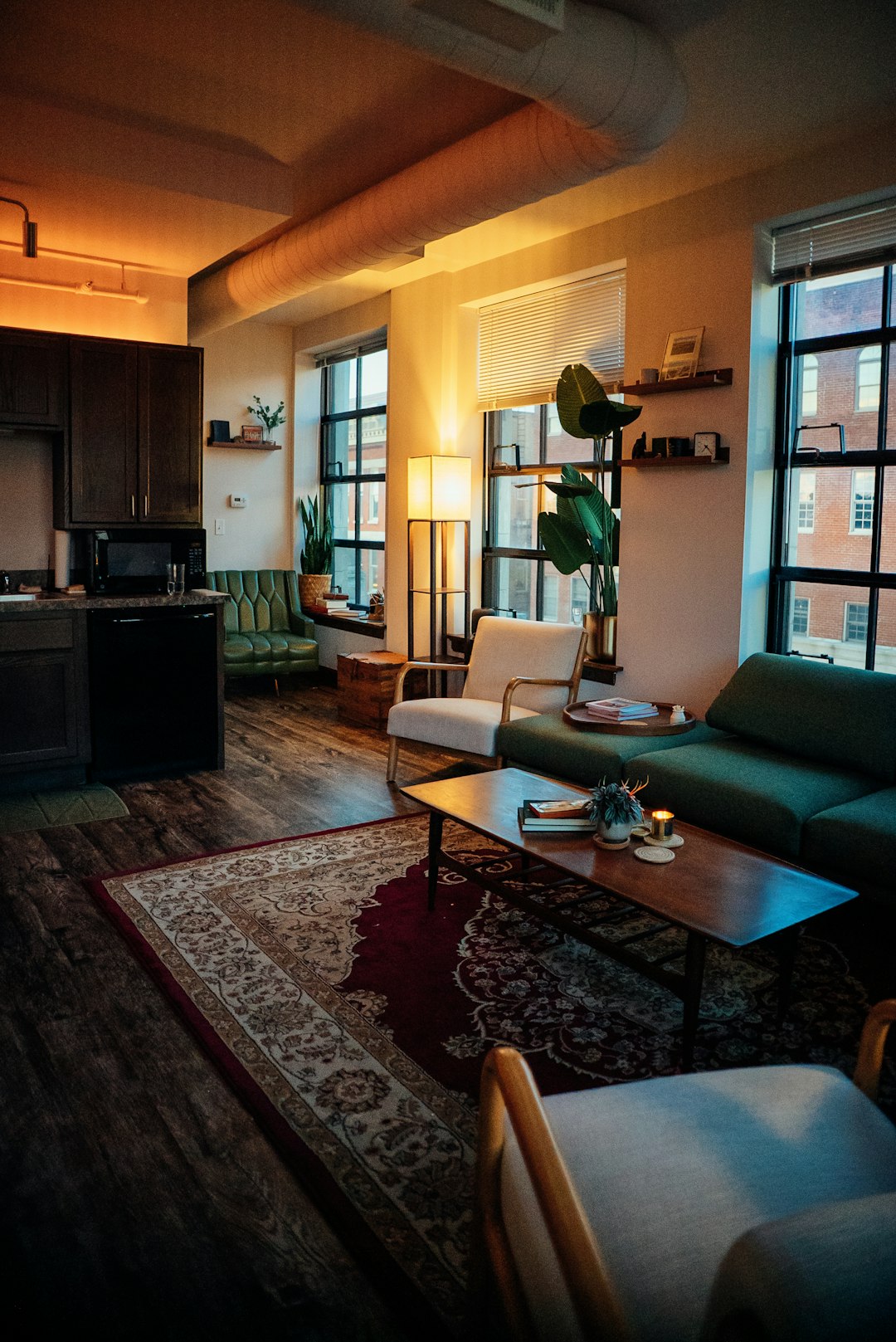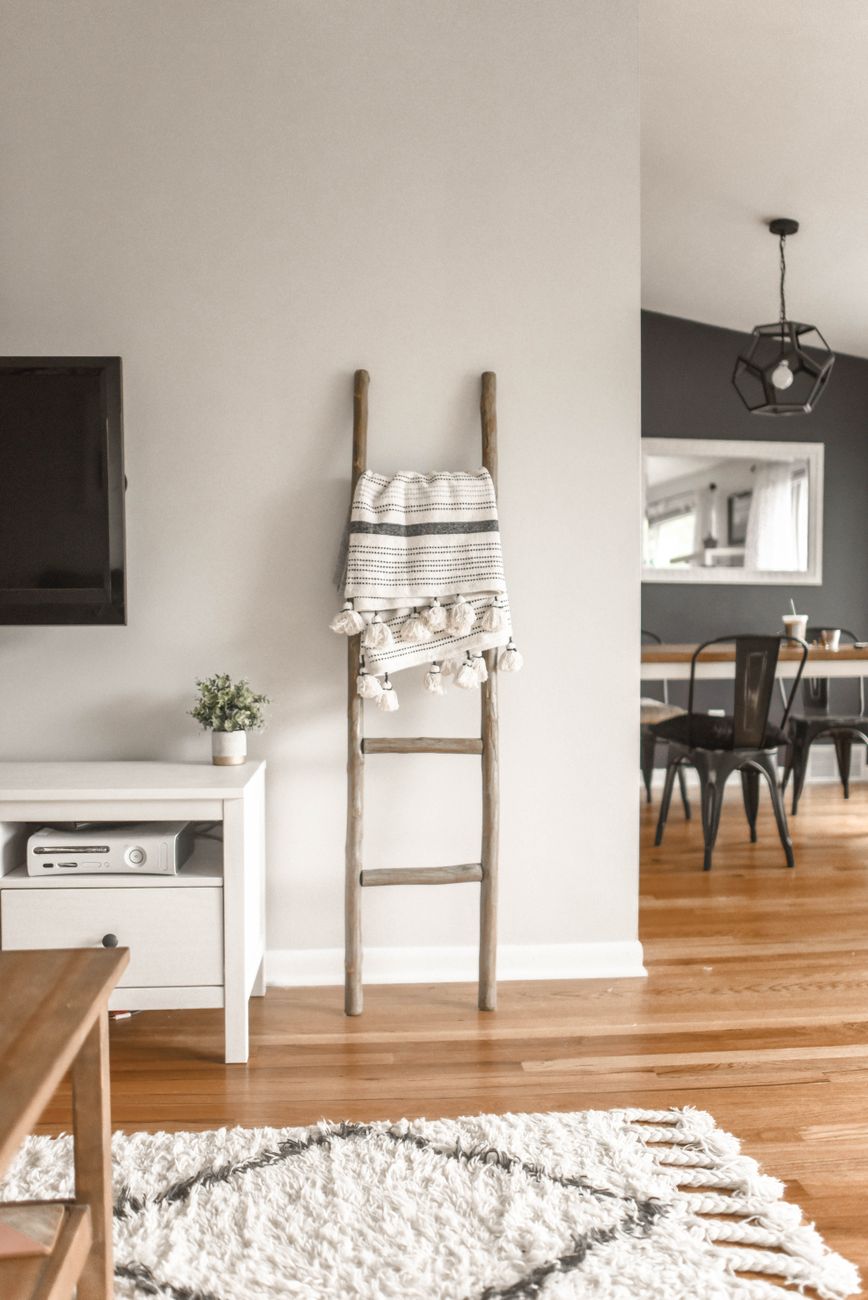
Home AI covers everything from smart-home automation to AI room redesign tools that let you visualise a space in a new style. This guide explains how home AI processes your data, what standards and frameworks govern it, and what to check for privacy, accuracy and safety before you use an app on your own home photos.

What people mean by home AI
Home AI is a broad term. For some, it means voice assistants and automated lighting. For others, it means an app that takes a photo of a room and shows what it could look like in a new style. This guide focuses on the second kind, sometimes called AI room redesign or virtual staging, alongside the governance questions that apply to any AI system inside your home. If you’re comparing use cases, our guide to virtual staging explains how that specific application works, and our explainer on AI room redesign covers the step-by-step mechanics. The common thread across all home AI, whether it’s a thermostat or a design tool, is that it touches your personal space and your data, so the same questions about privacy, accuracy and safety keep coming up regardless of the category.
Home AI privacy and local processing
A central question in home AI is where processing happens: on your device or on a company’s servers. The Open Home Foundation’s privacy position paper argues that home data should be stored, processed and executed on-device wherever possible, without needing an internet connection or external systems (openhomefoundation.org). It also states plainly that data produced inside a home belongs to the residents, not the manufacturer or platform provider. In practice, most consumer AI apps, including design and visualisation tools, do rely on cloud processing because that’s where the computing power for image generation lives. The practical takeaway: look for apps that are upfront about what happens locally versus in the cloud, and that make clear who retains ownership of your photos once you upload them. Transparency about this trade-off matters more than which model an app happens to use.
Smart home AI risk management
Managing risk in AI systems isn’t just a technical afterthought, it’s now a formal discipline. The U.S. National Institute of Standards and Technology (NIST) publishes a voluntary AI Risk Management Framework built around four functions: govern, map, measure and manage (nist.gov). Applied to a home setting, this means an AI product should have clear governance over how it’s built, a mapped understanding of where things could go wrong, a way to measure real-world performance, and a process to manage issues as they emerge. For a design visualisation tool, that could mean measuring how often a redesign accidentally moves a window, then managing that failure rate down over successive releases. Households evaluating any home AI product can ask a simple question: does the provider have a visible process for catching and fixing mistakes, or is quality control invisible? A visible process is a reasonable proxy for a well-managed product.
AI home app data retention
Data retention is one of the most concrete privacy questions you can ask a home AI provider. The Open Home Foundation’s position paper says users should be able to permanently delete their personal data through non-technical methods, meaning a straightforward setting or request rather than a technical workaround, across both local hardware and any third-party systems involved (openhomefoundation.org). It also calls for strong encryption, both for data in transit beyond the local network and for data at rest by default. For an app that stores your room photos and generated redesigns, this translates to a few checkable things: can you delete an image and its history in one step, is your data encrypted, and does the provider disclose if photos are used to train models. Before uploading photos of your home, it’s reasonable to look for a plain-language answer to each of these.
Generative AI interior design ethics
Generative AI is increasingly used in interior design and architecture, and that raises questions distinct from privacy: originality, disclosure and client expectations. Design ethics discussions in the industry increasingly focus on whether AI-generated concepts are clearly labelled as such, whether they draw too heavily on a designer’s or homeowner’s actual photos without consent, and how much a client should be told about which parts of a rendering are AI-assisted. For home AI specifically, ethical practice means clearly disclosing that an image has been edited or generated, never presenting an AI redesign as a real, buildable outcome without caveats, and being transparent about cost before generating anything. House Design AI applies this by keeping the room’s real geometry, walls, windows and proportions, unchanged, so what you’re evaluating is a styling change, not a fabricated floor plan. That distinction matters most for buyers who might otherwise mistake a stylised render for a promise about the actual property.
AI home visualisation accuracy
Accuracy in AI home visualisation means two different things: does the output look realistic, and does it preserve the real structure of the room. The second is more important for anyone making a buying, renovation or rental decision, because a beautiful render that quietly shifts a window or widens a hallway is misleading. A well-built room redesign tool keeps walls, windows, doors and proportions fixed, and changes only furniture, finishes and styling. When evaluating any tool, a practical test is to compare the before and after for structural elements first, ignoring the furniture, and check nothing has moved. It’s also worth noting that results can vary by lighting and photo angle, so uploading a clear, well-lit photo taken straight-on tends to produce a more reliable comparison than an angled or dim one. Treat every AI visualisation as an informed guide to style, not an engineering guarantee.
Smart home AI standards
There isn’t one single standard that governs AI in the home; instead, three different lenses currently apply, and they don’t always agree on emphasis. ISO/IEC 25010 defines software product quality characteristics including security, usability, reliability and performance efficiency, offering a quality benchmark for any software product, including home AI apps (iso.org). NIST’s AI Risk Management Framework, by contrast, focuses on managing risk across the AI lifecycle rather than certifying quality (nist.gov). Meanwhile, the European Commission’s AI Act, which entered into force on 1 August 2024, takes a legal, risk-tiered approach, applying different obligations depending on how risky an AI system is judged to be (digital-strategy.ec.europa.eu). The OECD’s AI Principles, adopted in 2019, and UNESCO’s 2021 Recommendation on the Ethics of Artificial Intelligence add broader commitments to transparency and human rights (oecd.ai). For a household, the practical upshot is that no single badge guarantees safety, so look at multiple signals: clear privacy language, disclosed costs, and visible accountability.
AI image editing home design safety
Safety in AI image editing for home design isn’t about physical harm in the traditional sense, but it does overlap with consumer protection principles. The U.S. Federal Trade Commission (FTC) states that companies collecting and using consumer data must not make misleading claims about their privacy and security practices, and should practise data minimisation, collecting only what’s needed for the service (ftc.gov). Applied to a home design app, that means not requesting more photo or location access than the redesign feature actually needs, and being honest about how images are used. It’s also reasonable to expect a fixed, disclosed cost before an edit runs, so there are no surprise charges for a result you didn’t ask for. House Design AI shows the credit cost for a full restyle or a targeted edit before anything is generated, which reflects this same principle of disclosure before action, not after.
Home AI mobile app permissions
Mobile apps that handle home AI features typically request camera, photo library and sometimes location permissions, and it’s worth understanding why each is needed. Camera and photo access let you upload a room image for redesign; location access, if requested, is usually tied to features like pulling in listing photos rather than being required for the core styling function. A privacy-conscious app should request only what a given feature needs, consistent with the FTC’s data minimisation guidance (ftc.gov), and should explain in plain language why a permission is being asked for at the moment it’s requested, not buried in a lengthy policy. Before granting broad permissions, check whether the app lets you upload a single photo manually instead of granting full photo library access, and whether you can revoke permissions later without losing your saved styles or credit balance. These small checks take under a minute and meaningfully reduce your exposure.
Where this leaves home buyers, owners and renters
Home AI is no longer a novelty, it’s a practical tool for anyone making decisions about a space, whether that’s a buyer picturing a home without the current owner’s furniture, an owner testing a kitchen style before calling a tradie, or a renter working out what a rug and lighting change would do. The technology works best when it’s transparent: clear costs, preserved room geometry, and plain answers about data handling. Early user feedback for House Design AI, drawn from more than 2,400 buyers, owners and renters, points to the same conclusion, people trust a redesign more when they can see exactly what changed and what didn’t. If you’re weighing up a renovation, a purchase, or just a rental refresh, starting with a tool that keeps your real walls and windows intact, discloses its costs upfront, and lets you compare every version side by side is a reasonable, low-risk way to explore your options at housedesignai.io.
Frequently Asked Questions
What is home AI?
Home AI refers to artificial intelligence applied inside the home, ranging from smart-home automation like lighting and thermostats to AI tools that let you visualise a room in a new interior style using your own photos.
Is it safe to upload photos of my home to an AI design app?
It can be, provided the app discloses how your photos are stored, whether they’re used to train models, and gives you a simple way to delete them. Look for clear privacy language and encrypted storage before uploading.
Does AI room redesign change the actual structure of my home?
A well-built tool keeps walls, windows, doors and proportions unchanged, and only alters furniture, finishes and styling. Always compare structural elements in the before and after to confirm this.
Are there rules that govern home AI apps?
There’s no single rulebook. NIST’s AI Risk Management Framework, ISO/IEC 25010 software quality standards, and the EU AI Act, in force since 1 August 2024, each address different aspects of AI governance, from risk management to legal obligations.
What permissions should a home AI app ask for?
Only what the feature needs, typically camera or photo library access for uploading room images. Be cautious of apps requesting broad location or contact permissions that aren’t clearly tied to a specific feature.
Written by the House Design AI team
Every guide is written by the people building House Design AI and checked against what the app actually does before it is published. When the app changes, the guide is updated and the date above moves.
See every feature