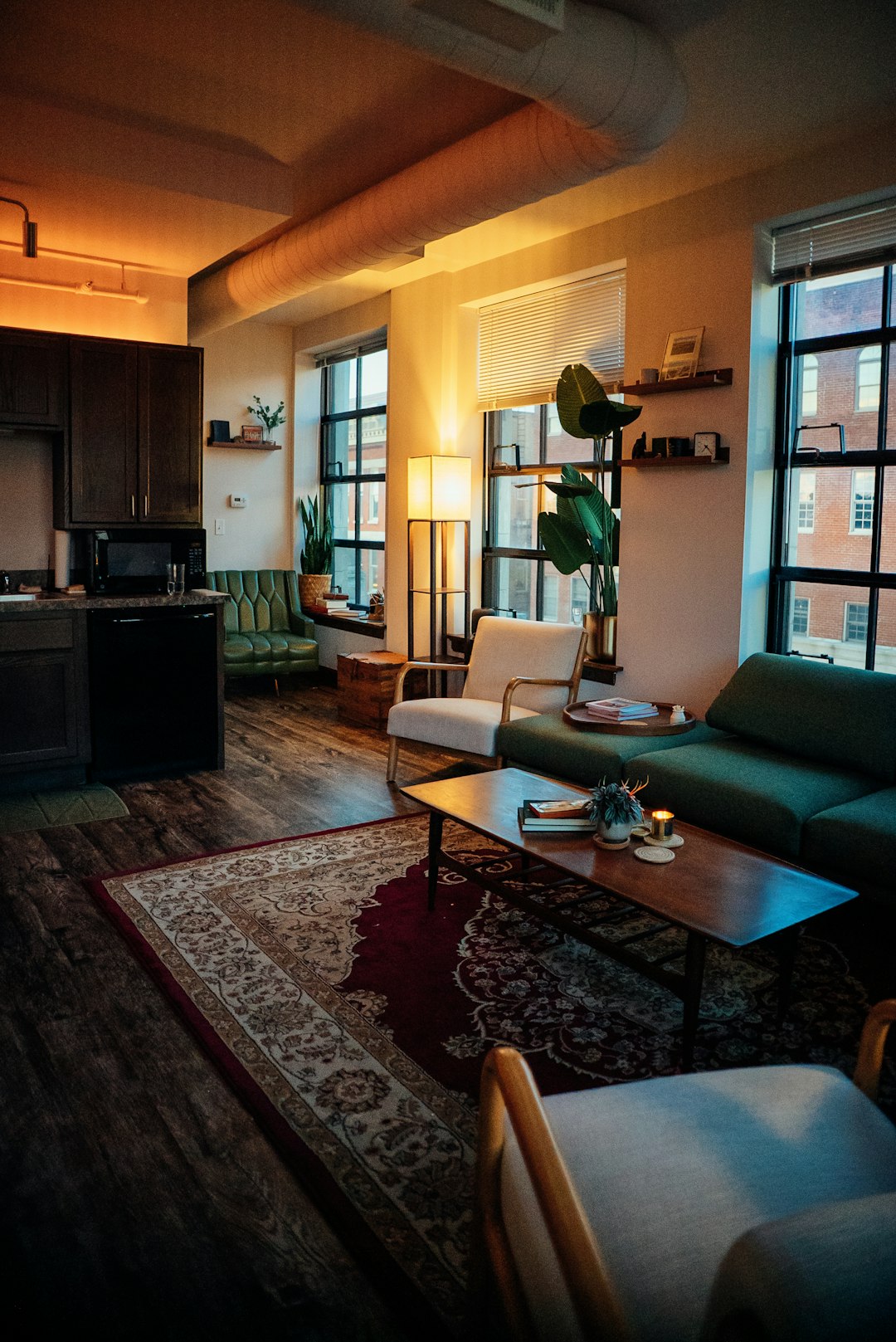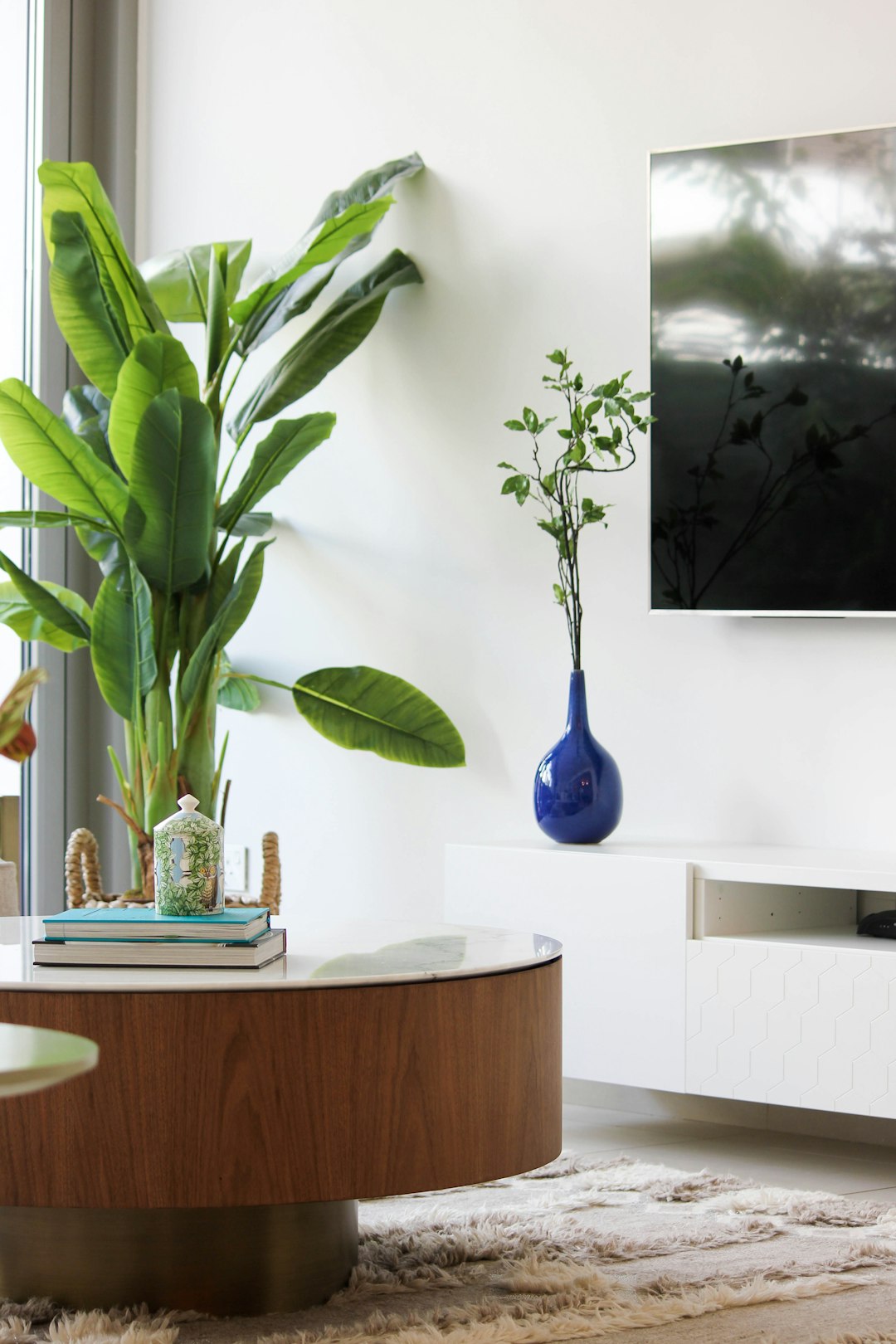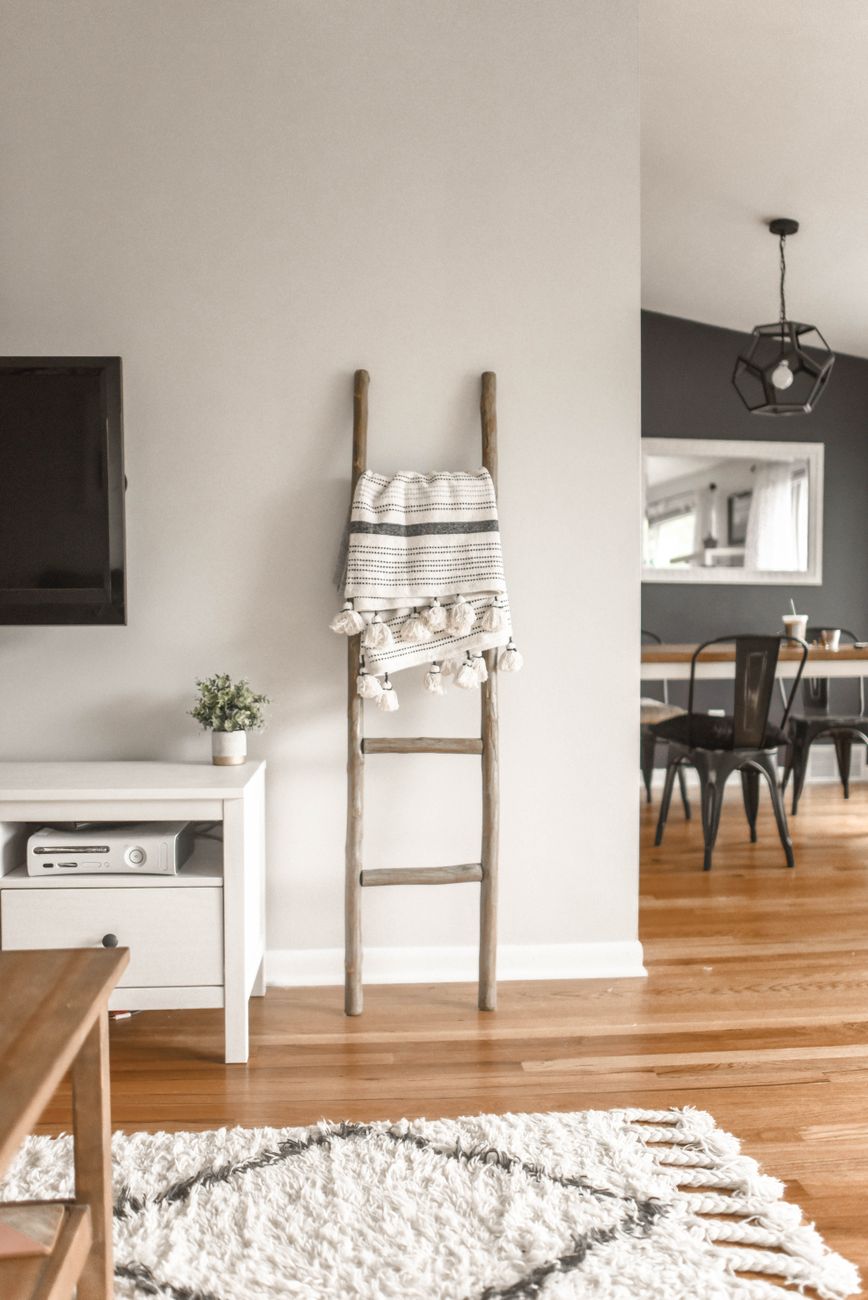
AI room redesign uses a photo of an existing space to generate a photorealistic new look while keeping the room’s walls, windows and proportions intact. This guide explains how the process works, what makes a good input photo, how fast results arrive, where the technology still struggles, and how it differs from traditional virtual staging.
What AI Room Redesign Actually Does
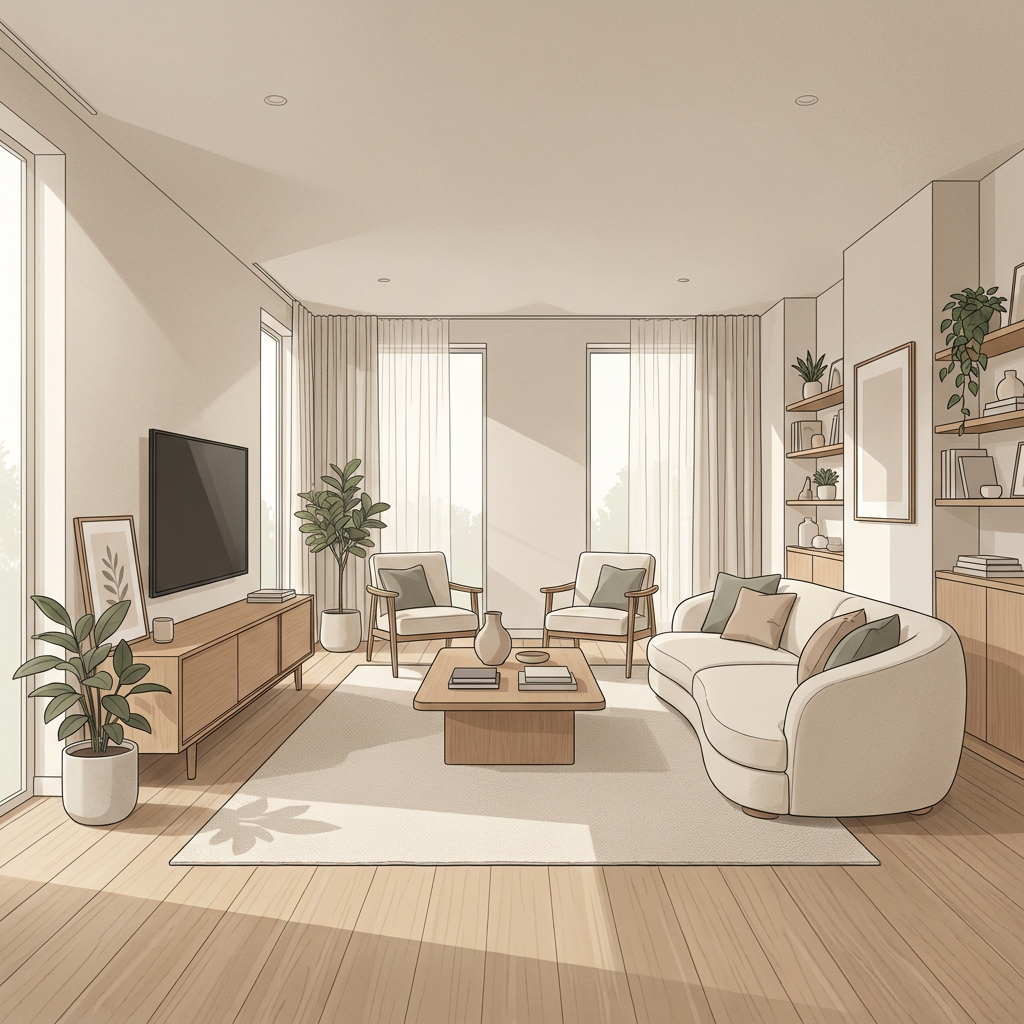
Picture standing in a dated lounge room, struggling to imagine it in Scandi white oak or warm Japandi tones. AI room redesign closes that gap. Instead of hiring a stylist or spending a weekend on mood boards, you upload a photo and the system generates a new version of that same room in the style you choose. The point is not to invent a fictional space. It is to show you your actual room, restyled. For buyers walking through an open home, owners weighing up a renovation, or renters wanting a low-risk way to test ideas, this turns a vague idea into a concrete image in minutes. It matters because most people struggle to visualise spatial change from imagination alone, and a wrong guess on paint, flooring or furniture can be an expensive one. Seeing it first changes the decision-making process entirely.
How Does AI Room Redesign Work From a Photo?
The core mechanic is consistent across most tools: you supply a photo of an existing room, the AI analyses its structure, and it generates a new interior that fits within that structure. According to product descriptions from tools in this space, the aim is to preserve the room’s geometry, lighting and proportions rather than swap in a generic stock scene (as described by Decoratly). Practically, this means the system identifies where the walls, windows, doorways and ceiling lines sit, then populates that shell with new finishes, furniture and colour schemes matching your chosen style. Some tools also let you refine the result with a short text prompt, such as asking for warmer floors while keeping an existing rug, layering fine control on top of the initial generation (as detailed by Archivinci). The result is not a from-scratch render. It is your room, reimagined.
What Inputs Do AI Interior Design Tools Accept?
Most AI interior design tools are built around a simple three-step input: upload a room photo, select the room type, and pick a design style from a curated list (a workflow described by Apartment Therapy). This photo-first approach is the most common entry point because it grounds the output in a real space rather than an abstract idea. Some tools extend this by accepting sketches or floor plans as alternative starting points, which research literature frames as part of a broader goal: generating photorealistic room designs from varied user inputs including text descriptions, sketches and floor plans (per IRJET research). Text prompting is increasingly layered on top, letting users specify materials, furniture pieces or a general mood rather than relying purely on preset style names. For most home buyers, owners and renters, though, a clear photo plus a style choice remains the fastest and most reliable path to a usable result.
How Accurate Is AI at Preserving Room Layout and Dimensions?
This is where AI room redesign tools differentiate themselves most. The strongest tools keep the real walls, windows and layout intact while only changing finishes, furniture and styling, rather than reconstructing the room from scratch (as home-design.ai describes it). This matters enormously for practical use: if you are deciding whether a kitchen renovation is worth it, you need to see your actual cabinetry footprint and window placement restyled, not a fictional kitchen with different proportions. That said, accuracy is not universal across all tools, and there is genuine disagreement in the space about how much geometry is truly preserved versus loosely approximated. Some vendors are explicit about preserving structural elements; others describe their output more generally as a photorealistic redesign without detailing which spatial elements survive the transformation. If layout accuracy matters to your decision, check that a tool explicitly commits to preserving walls, windows and proportions before you rely on the output to make a renovation or purchase decision.
Common Mistakes When Photographing a Room for AI Redesign
The single biggest driver of a poor AI redesign is a poor input photo. Guidance repeated across multiple sources is consistent: shoot the room straight-on and capture the whole space, since this helps the AI preserve structure more reliably (per RemodelAI’s guidance). Standing in a doorway at an angle, cropping out a corner, or shooting from too close all reduce the model’s ability to correctly map walls and proportions. Lighting matters just as much. Natural daylight produces noticeably better results, while flash photography can wash out detail and confuse the model’s read of the space (also per RemodelAI). Practical tips: shoot during the day with curtains open, stand as far back as the room allows, keep the camera level rather than tilted upward or downward, and avoid clutter directly in the foreground. A clean, well-lit, wide shot is the single easiest way to lift output quality before you even choose a style.
How Fast Do AI Room Redesign Tools Generate Results?
Speed is one of the defining appeals of AI room redesign compared with traditional design services, though exact figures vary by vendor. Some tools describe results in around 30 seconds after uploading a photo and selecting a style (as InteriorAI states), while others claim results in about 30 seconds more broadly for a photorealistic redesign (per Decoratly). Other vendors position themselves as capable of generating a render from a photo or sketch in under 60 seconds (as Spacely.ai claims). The differences typically come down to output resolution, the number of variations generated at once, and server load rather than a fundamentally different process. In practical terms, whether a specific tool takes 10, 30 or 60 seconds, the category as a whole compresses a process that traditionally took a stylist days or weeks into a near-instant loop, which is what makes trying five styles on one room a realistic exercise rather than a costly commitment.
AI Redesign vs Traditional Virtual Staging
Virtual staging and AI room redesign solve related but distinct problems. Virtual staging, long used in real estate listings, typically adds furniture into an empty or under-furnished room to make it look move-in ready for marketing photos. AI room redesign goes further: it restyles an already-furnished room, changing wall colours, flooring, materials and furnishings to reflect a completely different aesthetic, while keeping the room’s actual structure intact. Staging is about presentation for a sale. Redesign is about exploration for a decision, whether that decision is making an offer on a property, planning a renovation, or testing whether new curtains and lighting would transform a rental without touching a wall. The two can overlap in practice, but the underlying intent differs: one is optimised for selling a space as-is, the other for helping someone imagine a space differently before committing money or time to changing it.
What Styles Can AI Room Redesign Systems Generate?
Most AI room redesign catalogues are built around a set of well-defined interior design styles, each with a distinct palette, flooring choice and material language. Common presets include Hamptons (white panelling, pale oak, soft coastal blues), Coastal (sandy tones and breezy whites), Japandi (warm oak, black accents, natural materials), Mid-century (walnut tones with bold accents), Scandi (bright white walls and pale wood), and Contemporary (warm neutrals and stone finishes). The value of a curated catalogue is consistency: rather than guessing at a vague description, you pick a defined look and get a result that actually matches the aesthetic language of that style. Many tools also allow saved or customised styles built from a base preset, so a look you like can be tweaked and reused across multiple rooms in the same home for a unified result throughout, rather than each room feeling disconnected from the next.
Limitations and Failure Modes to Know About
AI room redesign is powerful but not flawless, and understanding its limits avoids disappointment. Fine architectural details, like intricate cornicing, unusual window shapes or structural quirks, can sometimes be misread or subtly altered, especially from an imperfect source photo. Reflective surfaces such as mirrors and glossy floors occasionally produce visual artefacts. Extremely cluttered or dimly lit rooms give the model less reliable structural information to work from, which increases the odds of a generation that drifts from the actual proportions. There is also a broader input debate in the field: some tools are strictly photo-to-photo, while others support text-only design generation or floor-plan-based input, and results can vary in structural faithfulness depending on which approach is used. The practical takeaway is straightforward: treat outputs as a strong visual guide for decision-making, not an engineering-grade floor plan, and if a result looks structurally off, retry with a cleaner, better-lit photo.
Getting the Most Out of Your Next Redesign
The fastest way to get value from AI room redesign is to treat it as an iterative loop rather than a one-shot request. Bring in a clean, well-lit photo of the space, pick a style from a defined catalogue, and then nudge the result with a short, specific instruction rather than starting over. Keeping every version means you can compare a Hamptons kitchen against a Contemporary one side by side before deciding what actually works for your space. This is exactly the workflow House Design AI is built around: upload real photos, choose from a curated style catalogue, and refine with plain-language prompts, all while keeping your actual walls, windows and proportions intact. There is no subscription, credits never expire, and every version stays in your history so you can go back and compare freely. If you are weighing up a renovation, evaluating a property, or just curious what your rented lounge room could look like, start with a photo and see it for yourself at housedesignai.io.
Frequently Asked Questions
Does AI room redesign change the actual structure of my room?
No. AI room redesign is designed to keep your walls, windows, doors and proportions exactly as they are. Only the furniture, finishes and styling change, which is what separates it from a purely imaginative render.
How long does an AI room redesign take?
Most tools generate a result in roughly 10 to 60 seconds depending on the platform and output complexity. This speed is what makes it practical to try multiple styles on the same room in one sitting.
What kind of photo should I upload for the best result?
Take a straight-on, wide shot that captures the whole room in natural daylight, and avoid using flash. Well-lit, uncluttered, complete-room photos consistently produce more structurally accurate redesigns.
Can AI room redesign work from a floor plan or sketch instead of a photo?
Some tools support sketches or floor plans as inputs, though photo-based redesign remains the most common and reliable workflow for most home buyers, owners and renters.
Is AI room redesign the same as virtual staging?
Not quite. Virtual staging typically adds furniture to empty rooms for real estate marketing, while AI room redesign restyles already-furnished rooms so you can explore a completely different look before making a decision.
Written by the House Design AI team
Every guide is written by the people building House Design AI and checked against what the app actually does before it is published. When the app changes, the guide is updated and the date above moves.
See every feature